Earnings calendar
Who reports and when — with the estimate and the actual result side by side.
A quarterly report is the day a stock moves the most. The calendar shows who reports when, week by week, and once a report is out it puts the expected and actual EPS and revenue side by side.
What you get
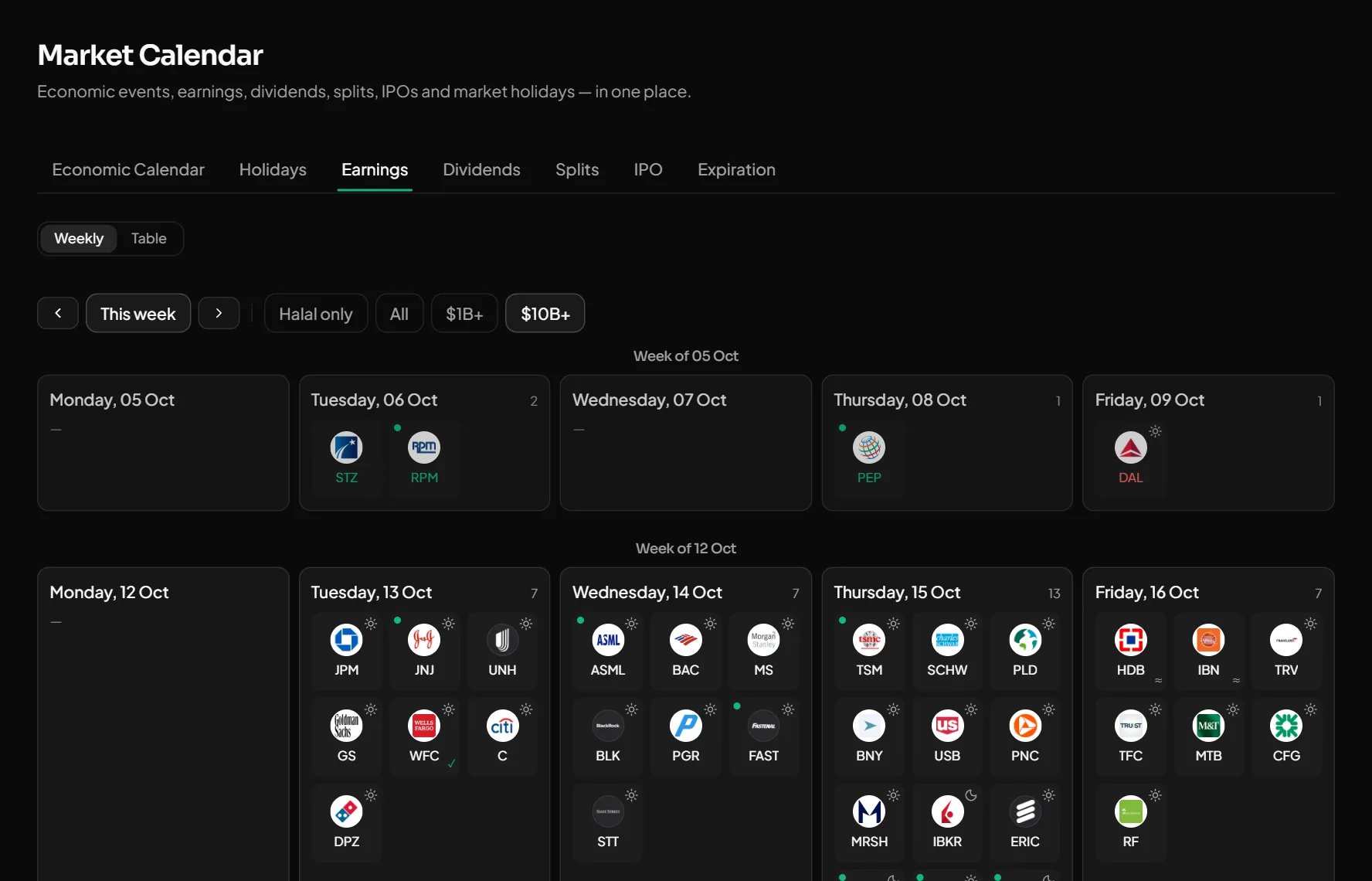
Weekly view
Each day with company logos. Filter to halal stocks only, or to $1B+ / $10B+ market caps.
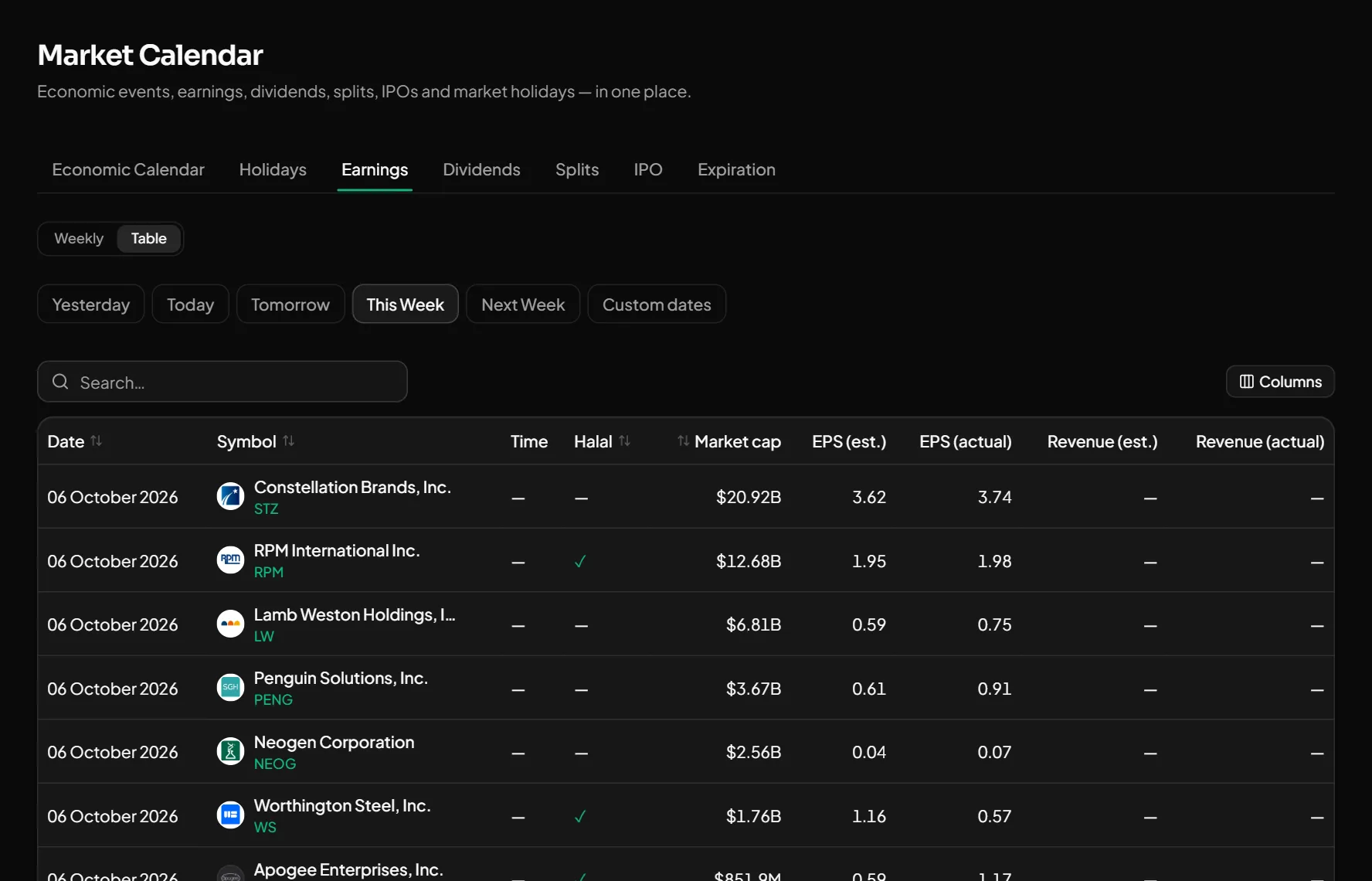
Estimate vs actual
A table of EPS and revenue: what analysts expected and what the company reported. Sortable and searchable.
Other dates
Dividends, splits and market holidays live on the same page.
How to use it
- 1Open the calendar and pick the "Earnings" tab.
- 2Switch between the weekly and the table view, set a filter.
- 3Know a report date for a stock on your watchlist in advance.
Good to know
- Dates come from company announcements and public sources. Some are estimates and can change once the company confirms.
Open an account and try it
Every feature is free for now. Sign up with a phone number or Telegram in a minute.
Start freeOther features
What happened in the US market today — at a glance.
Inflation, the Fed rate, unemployment and bonds — and the days that move the market.
Every signal comes with an entry, TP, SL and its outcome. The losers stay visible too.
What Buffett and other famous investors hold — from SEC 13F filings.
Get notified the moment a price is hit or a signal fires.
See the numbers before you trade: how much risk, how much reward, how many shares.
Practice at real prices with no real money — every trade is analysed in the journal.
The stocks you follow — with live prices, the result since you added them and a halal badge.