Watchlist
The stocks you follow — with live prices, the result since you added them and a halal badge.
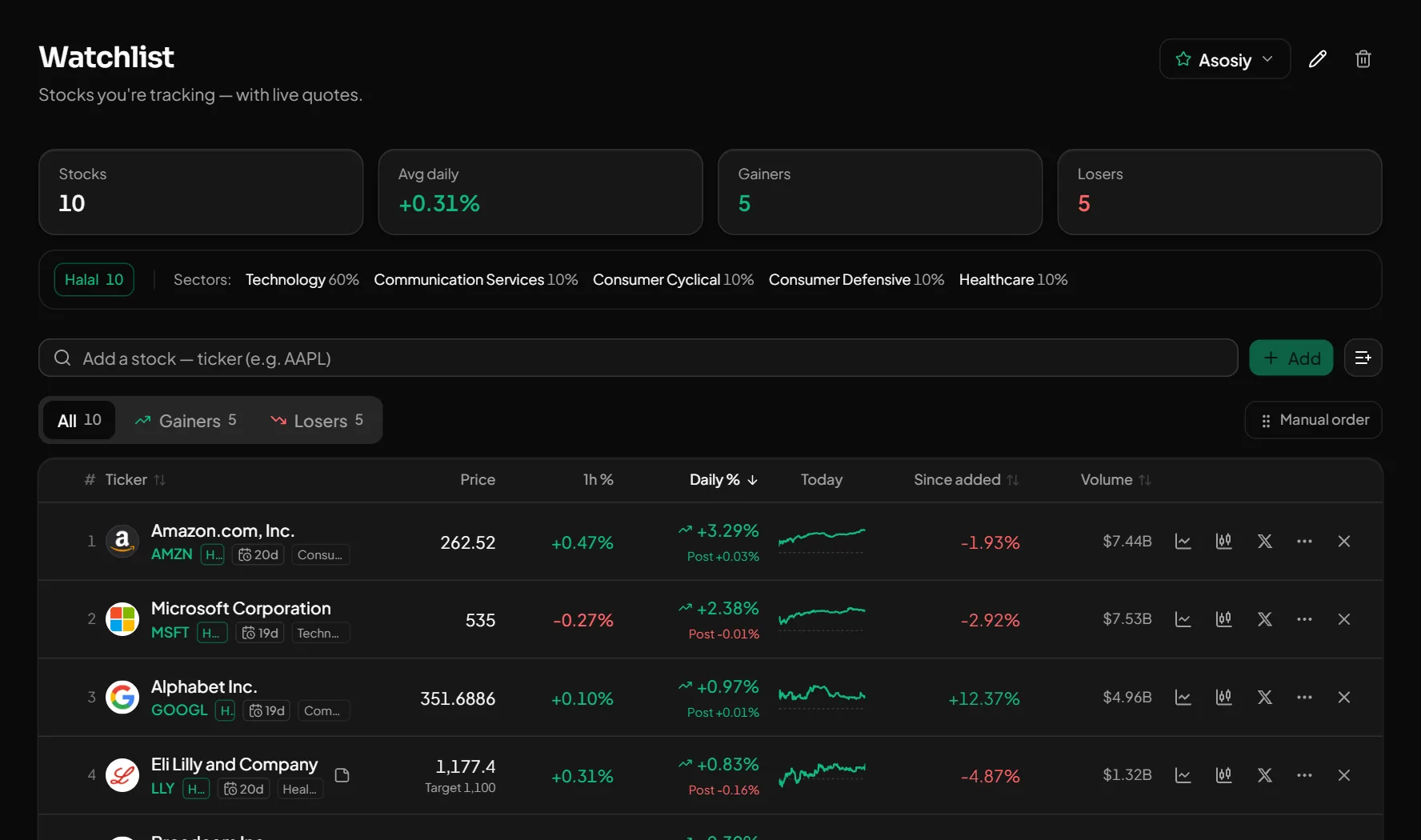
The watchlist is your list of stocks to follow. Each one shows the price, the daily and hourly change, the result since you added it and the days left until earnings. List-wide numbers sit on top.
What you get
Several lists
Name your lists, order stocks by hand and move them between lists.
Per stock
Daily and 1-hour change, pre/after-hours price, % since added, volume, a target price and a note, days until earnings.
Signals and messages
You can limit signals to your watchlist. The morning digest and halal status change messages follow it too.
How to use it
- 1Type a ticker to add a stock.
- 2Leave a target price and a note if you like.
- 3Turn on "Only my watchlist stocks" in the signal settings.
Good to know
- Prices update live in the regular session; pre-market and after-hours prices are shown separately.
Open an account and try it
Every feature is free for now. Sign up with a phone number or Telegram in a minute.
Start freeOther features
What Buffett and other famous investors hold — from SEC 13F filings.
Find the right stocks among 5,000+ US names in minutes.
A stock chart with drawing tools, moving averages and price alerts right on the chart.
Everything about one stock: chart, fundamentals, halal analysis and who is buying.
Put 2–4 stocks side by side — the best value in each row is green.
What happened in the US market today — at a glance.
Every signal comes with an entry, TP, SL and its outcome. The losers stay visible too.
Who reports and when — with the estimate and the actual result side by side.